Country picker
Type-ahead country selection backed by ISO 3166. Appears wherever a record has a Country field.
The country picker is a compact combobox that replaces the plain text input for Country fields. It shows a flag emoji, the localized country name, and supports searching by name, alpha-2 code, or alpha-3 code.
Where you'll see it
- Company create / edit drawer — the Country field next to City.
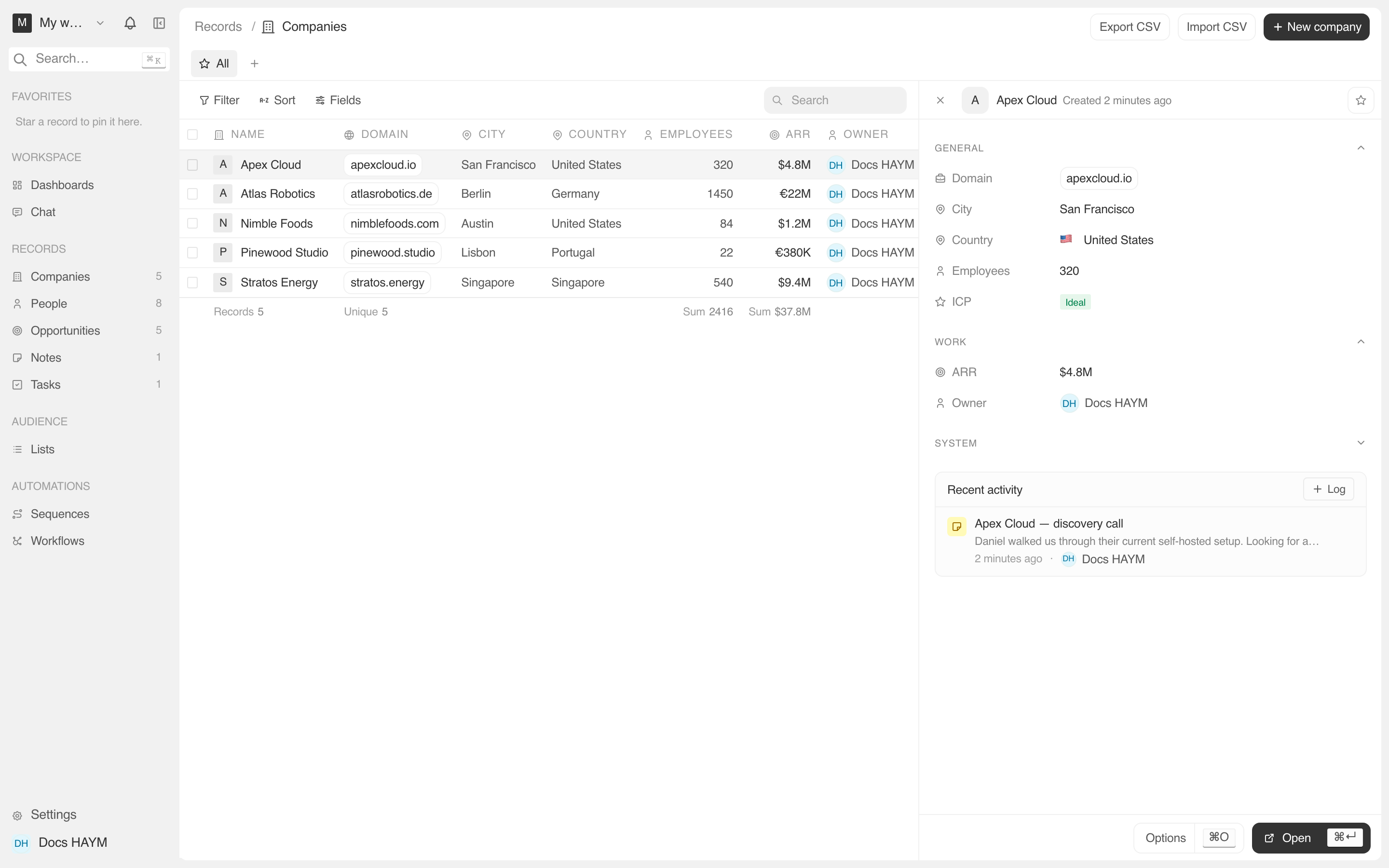
- Company detail page — the Country row in the Details card, click-to-edit.
- Company side panel — the Country row, also click-to-edit.
The picker isn't on Person records — people only have a City field. If your team wants country on People (or any other object), that's a custom field setting via Settings → Data model.
Using the picker
Click the field.
The trigger reads "Pick a country" or, if a value is set, "🇩🇪 Germany ▾".
The popover opens with a search input at the top and the full country list below.
Start typing. Filters live by:
- Country name in your current locale ("German", "Allemagne")
- Alpha-2 ISO code ("DE")
- Alpha-3 ISO code ("DEU")
Click a result, or use ↑ ↓ + ↩ to pick.
The selected country is written as the localized name (e.g. "Germany"), not the ISO code. This matches the field's text type and keeps the column readable in CSV exports and the public API. Existing free-text rows are kept as-is until someone re-saves them.
Clearing
If a country was previously set and you want to remove it, open the picker and click Clear country at the top of the list. The field resets to empty.
What's in the list
The source is the country-data-list ISO 3166 dataset:
- Every country with an
assignedoruser-assignedstatus. - North Korea (PRK) is excluded by default, matching the upstream convention.
- Reserved / deleted codes are filtered out.
Flag rendering uses the emoji built into the dataset (🇺🇸 / 🇩🇪 / 🇨🇳 / …), so there's no extra image fetch and the picker works identically across macOS, iOS, Android, and modern Windows.
Search behavior in detail
The picker uses cmdk's fuzzy-search filter over each row's combined
value of [name] [alpha2] [alpha3]. That means:
- Typing us matches "United States" (via alpha-2 US), "Russia" (via alpha-3 RUS), and "Belarus" (substring match). Top result is the closest score.
- Typing emirates matches "United Arab Emirates".
- Typing U.K. doesn't match the United Kingdom — periods aren't part of the data. Type UK or United Kingdom instead.
Tips
Backward compat. Rows that existed before the picker shipped show whatever was typed back then ("U.S.A.", "中国", etc). The picker displays the raw value if it doesn't match a known country, then swaps in the localized name and flag once you save through it.
Sorting. When the picker writes a country name, the column sorts alphabetically. Mixed legacy rows (raw "U.S.A." next to "United States") will sort separately.
Setting via the public API. The REST + oRPC endpoints accept any
string for addressCountry. They do not validate against ISO 3166 —
external integrations stay flexible. The picker is purely a UI nicety
on top of the same text column.