Welcome to Corto
A CRM that gets out of the way. Records, pipeline, activity — keyboard-first, no setup tax.
Corto is a CRM for teams that want to spend their time selling, not configuring tools. It ships with the building blocks every B2B sales team uses on day one — Companies, People, Opportunities, Notes, Tasks — and three things that usually take weeks of admin work in other CRMs:
- A pipeline you can shape from Settings, not by writing code.
- An inline-editable side panel on every record.
- A per-record activity timeline that merges notes, tasks, calls, emails, and stage changes into one feed.
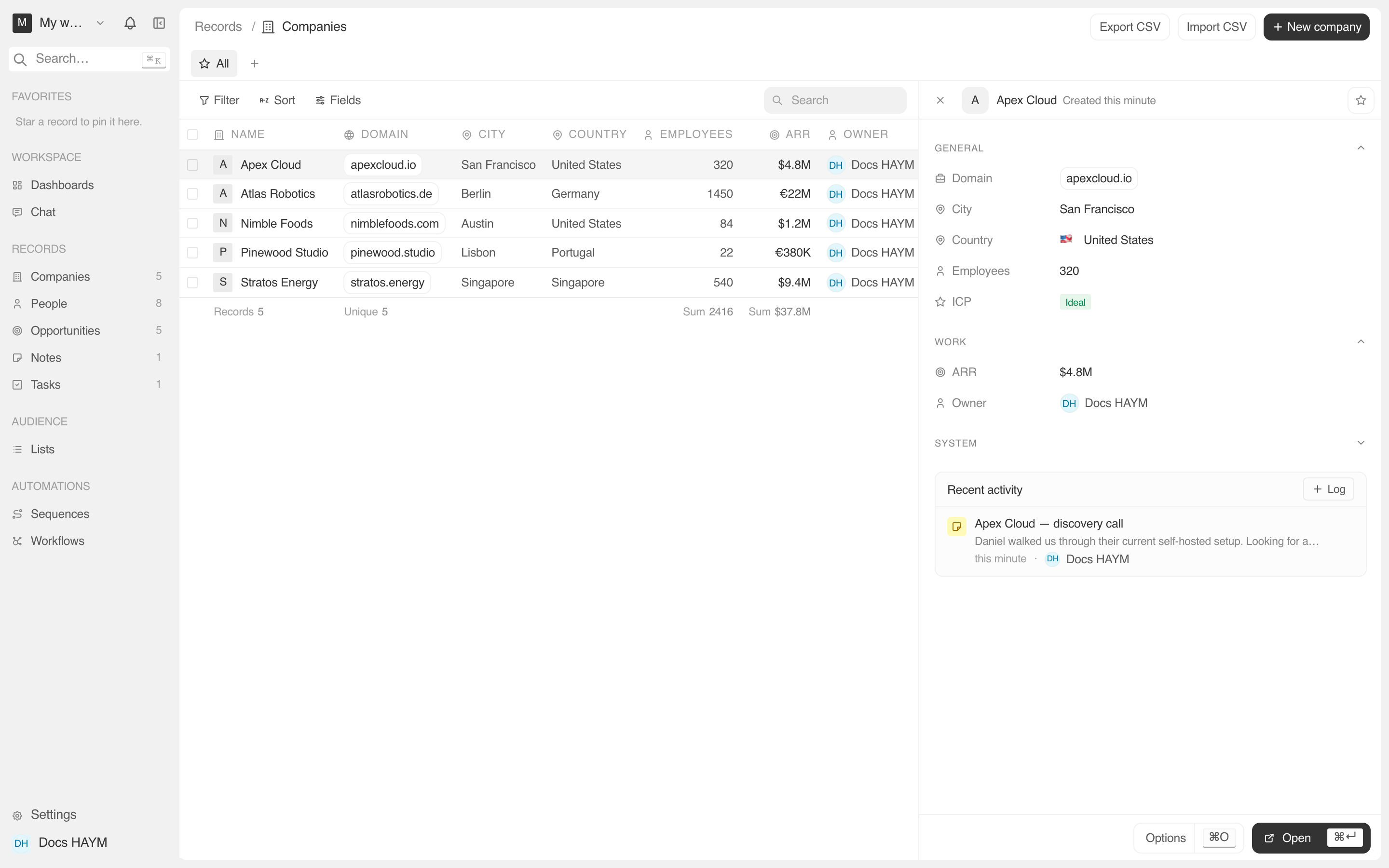
This guide walks you through each piece. It's organized by what you're trying to do, not by what's on the menu.
Where to start
Working with records
The view that opens when you click a Company / Person / Opportunity, and what every field does.
Building your pipeline
Turn the default 5 stages into your team's actual sales process.
Logging activity
Notes, tasks, calls — and how the activity feed surfaces them automatically.
Conventions used in this guide
- Bold names are UI labels you'll see in the app.
Code formattingis for API field names and slugs (the strings under the hood). You don't normally need to know these — they show up when you're building filters, saved views, or integrations.- Italicized terms are defined the first time they appear.
- Screenshots are taken from the demo workspace your account is seeded with (Apex Cloud, Nimble Foods, Atlas Robotics, …) so what you see on this site matches what's already in your dashboard.
Ready? Start with records.